How to summarize a YouTube video in 3 steps
You can summarize a YouTube video on your phone in under a minute. Share the video to Synopsa and read the key takeaways of the whole video.
Get Synopsa on Google PlayStep 1: Copy or share the video
Copy the YouTube link, or tap Share in the YouTube app and choose Synopsa. The video opens in Synopsa right away.
Step 2: Let Synopsa read it
Synopsa fetches the video's transcript and reads all of it. Long videos take a little longer, because every part is read.
Step 3: Read the takeaways
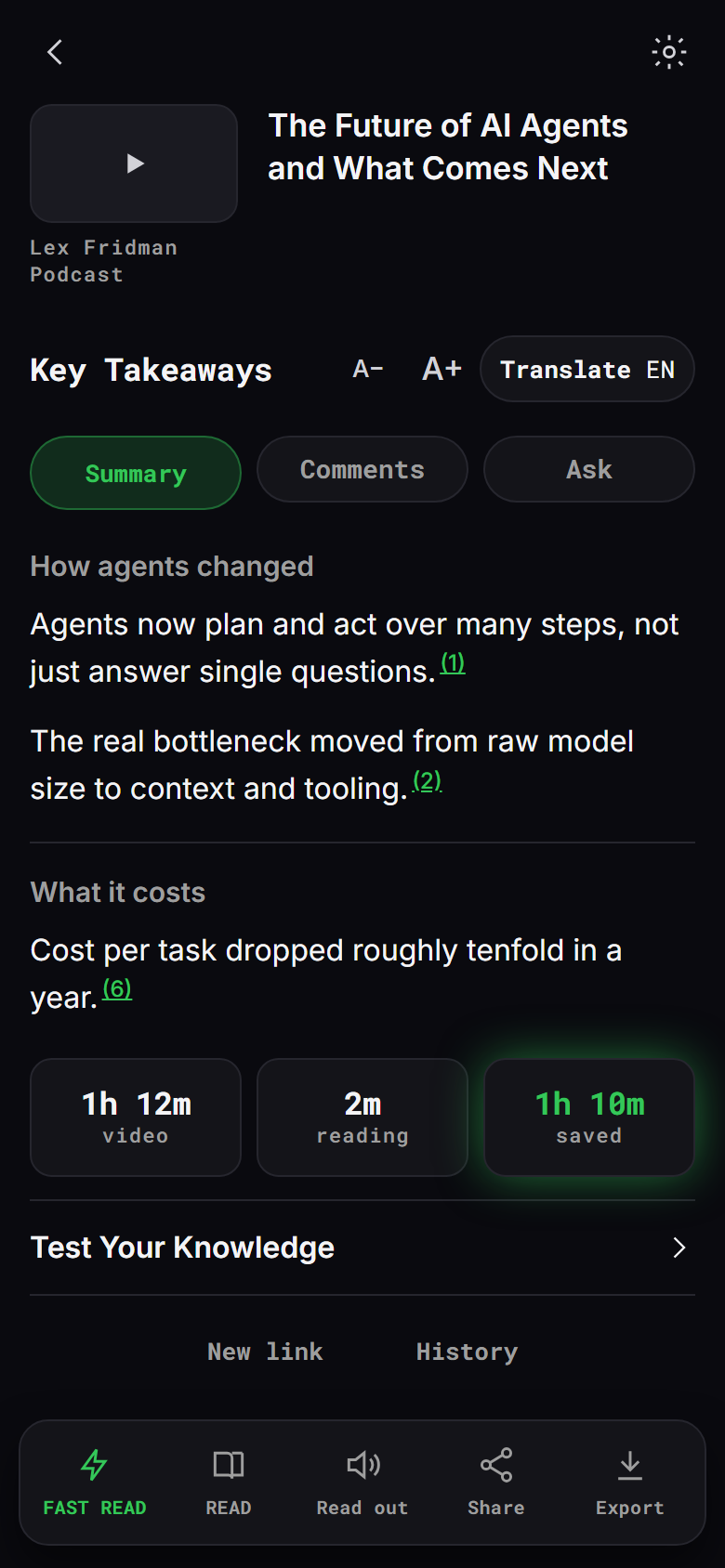
The key takeaways appear in sections. Tap a point to jump to that moment in the video, ask a question about it, or open the full transcript.
Tips
- Change the summary language at any time, from 38 languages.
- Use speed reading to go through the summary or the full text word by word.
- Save summaries into folders and find them later with search.